
To hire an employee at the UM, a Hiring Authorization Form (HAF) must be submitted and approved prior to the start date of employment for all position types: staff, temporary staff, MUS Contract Professional, Letter of Appointment, Administrator, Faculty, and non-tenurable faculty. Letter of Appointments must be renewed and submitted annually.
Help Contact
Please contact the HRS Recruitment Office for questions related to the Hiring Authorization Form. However, first please review the help guide below for information. If you cannot find a solution to your question, contact uapprove@mso.umt.edu.
General Information
Employee Search
The employee search allows a user to find an employee by their 790
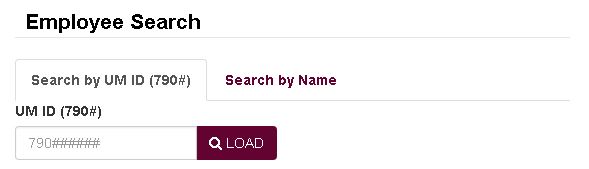
or by their name.
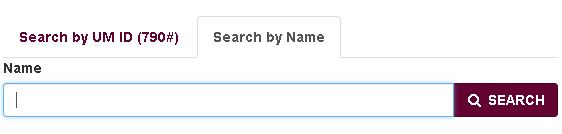
A new person hired at the University of Montana must have a UM ID before the HAF is filled out. A person must be selected before continuing with a HAF.
For the name search, a partial search is conducted based on the first name and last name. Only a set number of results are returned when a user clicks the "SEARCH" button. If you don't see the person you're looking for, try using the full last name and a couple letters of the first name, then click the "SEARCH" button.
Recruitment Authorization - Position Search
A Recruitment Authorization Form (RAF) may be attached to a HAF using the Position Search.
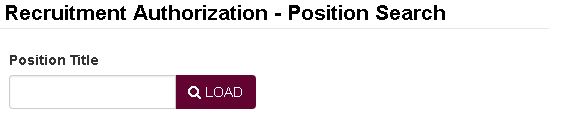
When entering a title in the position title field, a search will be done on Approved RAF titles once three characters have been entered. The typeahead will display the department, position number and position title. The position title will be highlighted as you type.
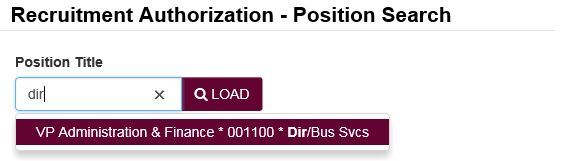
Please select the position for which you are looking. If nothing is returned, then the RAF was not created, the RAF is still in the approval process or the position title is not what you think it is.
Form Requirements
The form can only be submitted when all required fields have been entered. Like all U-Approve forms, if the SUBMIT button is disabled, then a requirement hasn't been met. Please save your form before reviewing it for errors.
If the SUBMIT button is disabled, there are additional requirements that must be met. An example of a check like this is to ensure all distribution records have been saved. The checks very per Position Type and Position Subtype.
Faculty - Non-Tenurable
Instructional Workload
At least one course enrollment record is required when the Position Type is Faculty and the Position Subtype is Non-Tenurable.

Click the "Add" button to create a new course enrollment record.
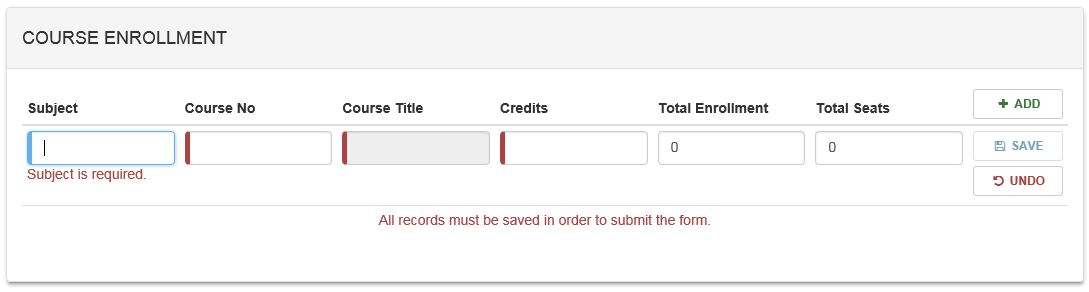
NOTE: The Subject and Course No must be valid (i.e., it exists in Banner.) If a valid Subject is entered and the user starts entering the Course No, existing courses will appear for the Subject and Course No.
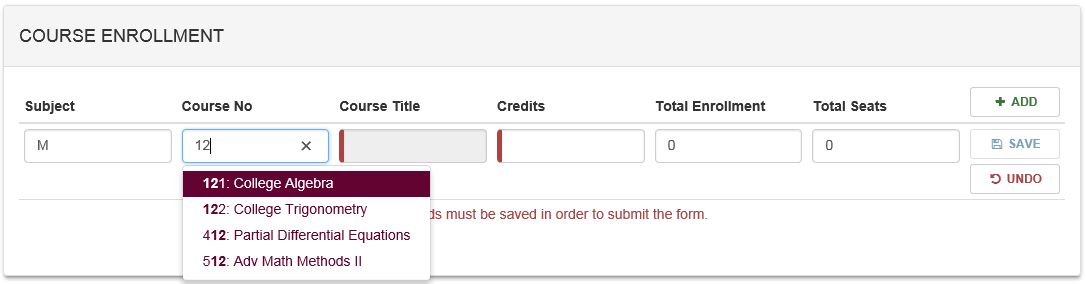
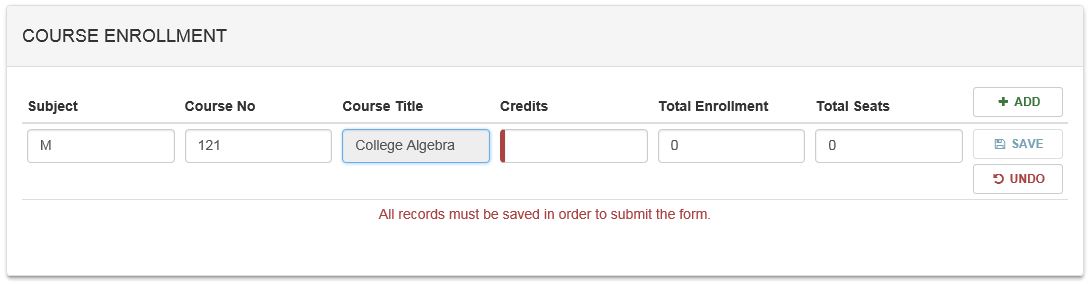
Selecting a valid course will fill in the Course Title.
Role Description Requirements
The Role Description is required for Non-faculty Position Types with the exceptions of Letter of Appointments (LOAs) that are Reappointments, Temporary Staff that are hired for less than 90 days and are not retirees.
Routing Requirements
Routing requirements are based on the Position Type. If your department requires additional approvals, then the approvals should be added to the appropriate routing group.
The President will be added automatically based on the Position Type.
The Provost's approver will be added automatically based on the Time Sheet Org entered in the Position Information panel.
The Equal Opportunity and Affirmative Action Officer is based on the Position Type field as well and will be set for you automatically.